


Frequently Asked Questions
Registering to the My Account service is free and allows you to recall your personal information when visiting us next time, making it faster to place future orders. Once you have registered with us, you can also save your favourite products to view later, see your order status, and past activity
Once you have selected the flowers you want to buy, select the location for delivery, size of the arrangement, and the delivery time you want. Add your selection to the cart and proceed to buy. In the cart details page, add your details, recipient details, and your message for the recipient. Proceed to checkout and make the payment.
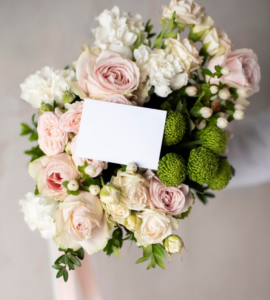
Yes, you can! Once your selections are in the cart, you can add your personal message using the Add custom message in the "Free Message Card" section.
You can use a coupon valid for online purchase from the Pocoloco website by adding the voucher code in the cart summary page, before you checkout and make the payment.
Frequently Asked Questions
Registering to the My Account service is free and allows you to recall your personal information when visiting us next time, making it faster to place future orders. Once you have registered with us, you can also save your favourite products to view later, see your order status, and past activity
Once you have selected the flowers you want to buy, select the location for delivery, size of the arrangement, and the delivery time you want. Add your selection to the cart and proceed to buy. In the cart details page, add your details, recipient details, and your message for the recipient. Proceed to checkout and make the payment.
Yes, you can! Once your selections are in the cart, you can add your personal message using the Add custom message in the "Free Message Card" section.
You can use a coupon valid for online purchase from the Pocoloco website by adding the voucher code in the cart summary page, before you checkout and make the payment.